
Your projector’s sound quality should considerably influence your buying decision because it impacts your overall viewing experience. Larger speakers and dedicated audio features provide richer, clearer sound, while tiny built-in drivers may only offer basic audio. Consider how you’ll connect external speakers or sound systems via HDMI, Bluetooth, or optical connections for better sound. Proper placement and calibration can also make a big difference. If you keep these factors in mind, you’ll find the right projector to elevate your entertainment.
Key Takeaways
- Prioritize projectors with high-quality built-in speakers or external audio options for better sound immersion.
- Consider connection methods like HDMI ARC, optical, or Bluetooth to integrate with existing sound systems easily.
- Larger or more powerful speakers improve sound clarity and distribution, enhancing the overall viewing experience.
- Evaluate audio specifications to ensure the projector meets your desired sound performance and compatibility needs.
- Proper speaker placement and sound calibration can significantly elevate audio quality and viewer satisfaction.

When evaluating different projectors, pay attention to the specifications regarding speaker quality. Some models feature larger, more powerful speakers that deliver richer sound, while others have tiny built-in drivers that produce only basic audio. If sound quality is a priority for you, look for projectors with dedicated audio features, such as enhanced drivers or sound modes designed for movies and music. Additionally, check for options to connect external speakers or sound systems. External audio gives you the flexibility to upgrade your sound setup and achieve superior audio clarity, which is especially important for watching movies or playing games. Considering speaker placement and how it affects sound distribution can significantly improve your listening experience. Your choice should also consider how easily you can integrate your projector with your existing audio setup. If you already own a home theater system or surround sound speakers, select a projector with audio output options like HDMI ARC, optical audio, or Bluetooth. This way, you can bypass the built-in speakers entirely and enjoy high-quality sound through your preferred audio system. Proper audio integration can optimize your overall viewing environment and enhance immersion. To maximize sound quality, pay attention to speaker size and power as they directly influence audio performance. When speaker placement is optimized and sound quality is high, your viewing experience becomes more immersive and engaging. Additionally, understanding audio specifications can help you make more informed decisions about which projector best fits your audio needs. Moreover, being aware of sound calibration options can help fine-tune audio output for optimal listening.
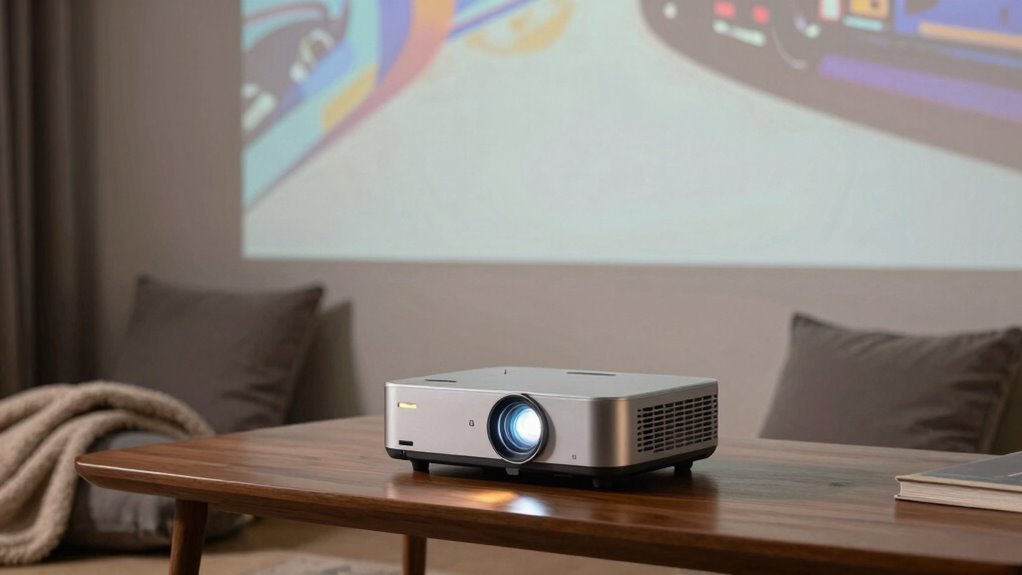
projector with high quality built-in speakers
As an affiliate, we earn on qualifying purchases.
As an affiliate, we earn on qualifying purchases.
Frequently Asked Questions
Do All Projectors Have Built-In Speakers?
Not all projectors have built-in speakers, so you’ll want to check before buying. Built-in speakers are convenient, but their sound limitations can be noticeable, especially in larger rooms or noisy environments. If you’re serious about audio quality, consider a projector with better built-in sound or plan to connect external speakers. This way, you’ll enjoy clearer sound without sacrificing your viewing experience.
How Loud Should Projector Sound Be for Optimal Viewing?
Did you know that 60% of viewers find poor sound quality ruins their experience? For ideal viewing, your projector’s sound should reach at least 80 decibels, ensuring clear audio without distortion. Look for models with good sound amplification and thoughtful acoustic design, which enhance audio even at lower volumes. This balance helps you enjoy immersive sound without needing external speakers, making your viewing more convenient and enjoyable.
Can External Speakers Improve Projector Sound Quality?
Yes, external speakers can considerably enhance your projector’s sound quality. With wireless connectivity, you can easily connect high-quality speakers without cluttering your space. Additionally, using audio calibration tools allows you to fine-tune sound output for ideal clarity and balance. This setup guarantees richer, clearer audio, boosting your viewing experience. External speakers are especially beneficial if your projector’s built-in sound isn’t powerful enough for your room size or sound preferences.
Is Sound Quality More Important Than Resolution?
Sound quality is more important than resolution because clear audio immerses you fully in the experience. Imagine a movie without crisp audio—it’s like a painting with smudged colors. Prioritize audio clarity and consider speaker placement, ensuring sound reaches you clearly. External speakers can enhance this even further. Good sound elevates your viewing, making every scene more engaging, so don’t compromise on audio when choosing a projector.
How Does Room Size Affect Projector Sound Requirements?
Room size greatly impacts your projector sound needs. In larger spaces, you’ll need more powerful speakers or better speaker placement to fill the room with clear audio. Consider room acoustics, as reflective surfaces or large open areas can distort sound. Proper speaker placement is essential—position speakers where sound can travel unobstructed and reach all areas. This guarantees you get balanced, immersive audio regardless of room size.
Conclusion
When choosing a projector, don’t overlook its sound. Imagine watching a thrilling movie in a silent room—your visuals are sharp, but the silence feels unnatural. Now picture adding rich, immersive sound—suddenly, the scene comes alive, drawing you deeper into the story. Your decision hinges on this balance: crisp visuals versus engaging audio. Prioritize sound quality, and your viewing experience transforms from ordinary to extraordinary, making every movie night feel like a true cinematic adventure.