For the best sports viewing, focus on a fast refresh rate like 120Hz, good picture quality, and clear sound. These features guarantee smooth action, vibrant colors, and immersive audio. Avoid overhyped specs like 8K resolution or ultra-high refresh rates, which don’t add much for sports. Instead, prioritize things like contrast, HDR, and smart features for easier game updates. Keep these tips in mind, and you’ll get more out of your game nights. If you continue exploring, you’ll discover how to optimize your setup even further.
Key Takeaways
- Prioritize high refresh rates (120Hz) and good motion handling over ultra-high resolutions like 8K for smooth sports viewing.
- Focus on color accuracy and contrast to enhance fast action clarity, rather than overly emphasizing resolution.
- Sound quality matters—adequate built-in audio or external speakers improve commentary and crowd noise immersion.
- Smart features like live streaming apps and real-time stats enhance the viewing experience more than unnecessary specs.
- Proper room setup and anti-glare measures significantly improve picture clarity and reduce distractions during fast-paced sports.
What Are the Most Important TV Specs for Watching Sports?
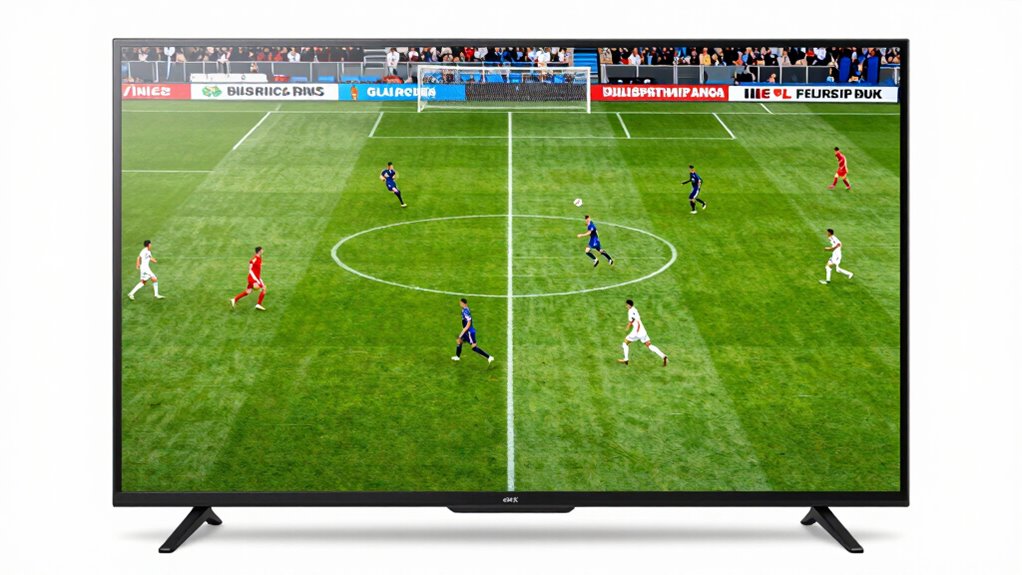
When watching sports on your TV, certain specs can considerably enhance your experience. First, focus on color accuracy. A TV with vibrant, true-to-life colors makes the game feel more immersive, whether it’s the team’s jerseys or the lush green field. Accurate color reproduction guarantees you don’t miss subtle details that add to the excitement. Next, prioritize sound quality. Clear, dynamic audio brings the roar of the crowd and commentary right into your living room. Good sound quality makes it easier to follow the game’s action and feel connected. Additionally, contrast ratio plays a crucial role in ensuring the images are sharp and detailed, especially during dark scenes or low-light moments. To stay ahead in the evolving world of visual technology, understanding display specifications can help you choose the best TV for sports. Being aware of refresh rate is also beneficial, as higher refresh rates provide smoother motion during fast-paced sports. It’s also worth considering input lag for a more responsive experience, especially if you’re using a gaming console or streaming device. Together, these specs create a more engaging, realistic experience, making every match more enjoyable and lively. Don’t overlook them if you want to elevate your sports viewing to the next level.
Why Is a Fast Refresh Rate Essential for Sports Fans?
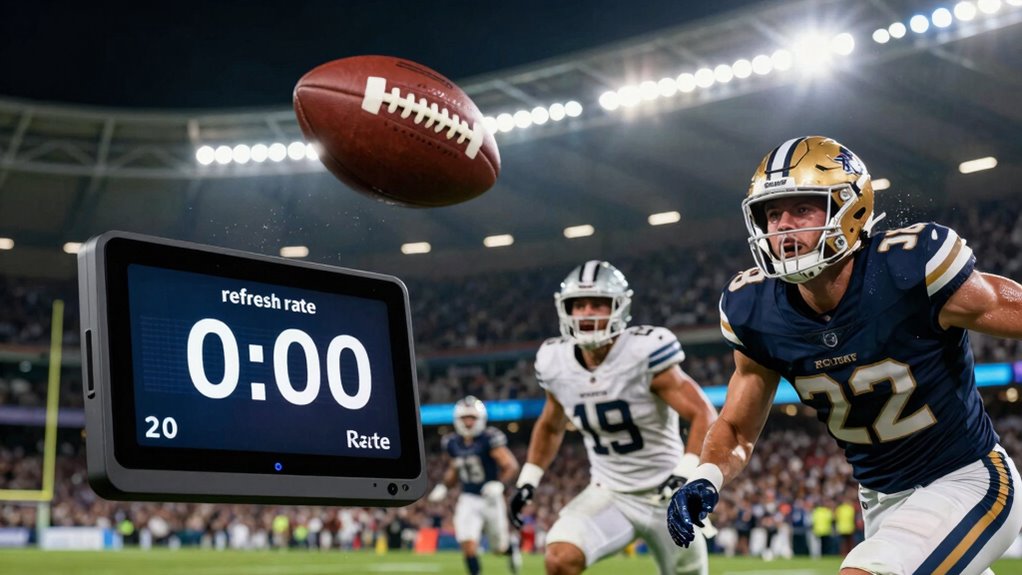
A fast refresh rate is crucial for sports fans because it guarantees smooth, fluid motion during fast-paced action. Without it, you risk motion blur, making it hard to follow the game. A higher refresh rate, like 120Hz, ensures every pass, goal, or sprint looks sharp and clear. This enhances your viewing experience, especially when considering factors like screen size and audio quality—bigger screens amplify motion issues if the refresh rate is too low. Additionally, understanding the complexity of eldercare can help families choose the right technology to support safe and comfortable living environments for older adults. To enjoy sports fully, focus on: 1. High refresh rate for crisp, seamless motion 2. Good audio quality to catch every commentator’s call 3. Appropriate screen size to complement fast-paced visuals without distortion This combo keeps you immersed and engaged, no matter how intense the game gets.
How Do Resolution and HDR Improve Sports Picture Quality?
While a high refresh rate keeps motion smooth, picture quality is equally important for an immersive sports experience. Resolution and HDR notably enhance this by delivering sharper images and more vibrant colors. Higher resolution, like 4K or 8K, provides clear, detailed visuals, so you catch every play and facial expression. HDR (High Dynamic Range) improves contrast and brightness, making the image more lifelike. It enhances color accuracy, ensuring you see the true hues of team jerseys and stadium lights. Good sound quality complements these visuals, creating a more engaging experience. When resolution and HDR work together, they transform your TV into a window that brings the excitement of live sports right into your living room with vivid clarity and realistic colors. Additionally, understanding the early warning signs of issues can help maintain optimal viewing conditions and protect your investment, especially when considering TV specifications that impact picture quality. Paying attention to display technologies can also ensure you select a screen that best enhances your sports viewing, providing a more immersive experience. Recognizing the importance of calibration can further optimize picture quality for the best possible viewing.
Which Smart Features Help You Follow the Game More Easily?

Smart features on modern TVs make it easier to follow the game by streamlining access to live streams, highlights, and score updates. Voice control lets you change channels, ask for scores, or find specific games without interrupting your viewing. Streaming apps bring all your favorite sports services into one place, so you don’t have to switch devices. Incorporating work-life balance strategies can help prevent burnout during long viewing sessions by setting limits on screen time and taking regular breaks.
Here are three smart features that help you stay engaged:
- Voice control for quick commands and updates
- Built-in streaming apps for instant access to live games and highlights
- Sports-specific apps with real-time stats and alerts
These features cut down on hassle, keeping you focused on the game, not hunting for content.
What Specs Are Less Important and Can Save You Money?
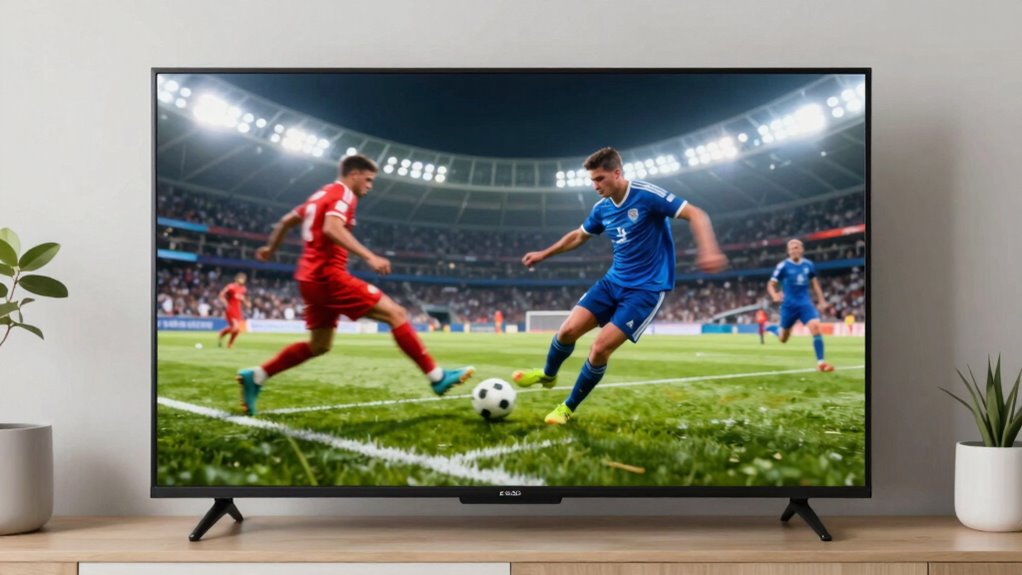
High refresh rates and ultra-high resolutions often seem impressive, but they aren’t always necessary for watching sports. You can save money by choosing a TV with a standard refresh rate and resolution that still delivers smooth, clear images. Focus on the features that truly enhance your viewing experience without paying extra for bells and whistles. Prioritizing body jewelry measurements and materials can help you make smarter choices and stay within your budget.
High Refresh Rates Overrated
Many people assume that a higher refresh rate automatically means a better sports viewing experience, but in reality, this feature often isn’t worth the extra cost. Higher refresh rates, like 120Hz, can improve motion smoothing, making fast-paced action look smoother. However, they often don’t enhance color accuracy or overall picture quality. Plus, many TVs automatically simulate high refresh rates, which can introduce artifacts or soap opera effects that detract from realism. Instead of focusing on refresh rate, prioritize models with better color accuracy and motion processing technology that minimizes blur without sacrificing image quality. This approach gives you clearer, more natural images during intense sports moments without paying a premium for marginal gains. Save your money for other features that truly improve your viewing experience. Additionally, understanding TV specifications can help you make more informed choices and avoid unnecessary expenses.
Ultra-High Res Not Essential
While it might be tempting to chase after the highest resolution available, ultra-high resolutions like 8K TVs aren’t essential for enjoying sports. For most viewers, 4K resolution provides sharp images and vibrant colors without the hefty price tag of 8K TVs. Ultra high resolution isn’t a game-changer for sports viewing, especially since broadcasts rarely support 8K. Instead, focus on features like refresh rate and input lag. Here’s a quick comparison:
| Feature | 4K TVs | 8K TVs |
|---|---|---|
| Resolution | 3840 x 2160 | 7680 x 4320 |
| Price | Lower | Higher |
| Content Availability | Widely available | Limited |
| Suitability for Sports | Excellent | Overkill |
Save money and prioritize what truly enhances your sports experience.
How to Balance Budget and Performance for the Best Sports TV
Balancing your budget and performance when choosing a sports TV can feel like walking a tightrope, but it’s achievable with the right approach. Focus on features that truly enhance your viewing experience without overspending. Prioritize:
Balancing budget and performance is key—prioritize essential features for an optimal sports viewing experience.
- Picture quality over ultra-high resolution—you don’t need 8K for sports; a good 4K with high refresh rates provides smooth motion.
- Sound quality—invest in a TV with decent built-in speakers or plan for external audio to catch every cheer and commentary.
- Vintage aesthetics—opt for a design that suits your style, whether sleek modern or retro, without sacrificing essential features.
Tips to Set Up Your TV for the Ultimate Sports Viewing Experience

To get the most out of your sports viewing, start by optimizing your picture settings for clarity and motion. Make sure to reduce glare and reflections by adjusting your TV’s position or adding curtains or anti-glare screens. These simple tweaks can make a big difference in how immersive and sharp the game looks.
Optimize Picture Settings
Getting your TV settings right can make a huge difference in your sports viewing experience. To optimize picture quality, focus on three key areas:
- Color calibration: Adjust the colors until they look natural and vibrant, helping you see every detail clearly during fast-paced action.
- Picture mode: Set your TV to a sports-optimized mode, like “Game” or “Sports,” for smoother motion and brighter images.
- Sound optimization: While it’s primarily about audio, tweaking sound settings can enhance the overall experience, making commentary clearer and crowd noise more immersive.
- Consider your environment: Using gap-sealing products or other light-blocking solutions can reduce glare and reflections, further improving your viewing clarity during sports games.
Minimize Glare and Reflection
Since glare and reflections can wash out your TV screen and ruin your sports viewing, it’s essential to set up your space thoughtfully. Start by choosing a spot with minimal ambient light or use curtains and blinds to control natural light. An anti glare coating on your TV can markedly reduce reflections, making the picture clearer and more vibrant. Adjust your TV’s position to avoid facing windows or bright light sources directly. If you can’t block out all ambient light, consider adding bias lighting behind the TV to improve contrast without increasing glare. Proper placement and the right anti glare coating help you focus on fast-paced action without distraction, ensuring you catch every pass, goal, or shot with clarity and great detail.
Frequently Asked Questions
How Does Screen Size Affect Sports Viewing Experience?
A larger screen size enhances your sports viewing experience by immersing you more fully in the action. Pair it with a high screen resolution for sharp, detailed images, and a high refresh rate to reduce motion blur during fast-paced scenes. This combination makes it easier to follow quick plays and enjoy a more engaging experience. Just make certain your TV’s size complements your viewing distance for maximum comfort and clarity.
Are OLED or QLED Better for Sports?
You’ll find OLED TVs offer excellent contrast and deep blacks, enhancing your sports viewing, but QLEDs typically have higher refresh rates and better motion clarity. If fast-paced action matters most, a QLED with a high refresh rate (120Hz or more) will give you smoother motion. OLEDs excel in picture quality, but for sports, a QLED’s superior motion clarity and refresh rate often provide a better experience.
What Viewing Angles Are Best for Group Sports Watching?
For group sports watching, look for a TV with wide viewing angles, ideally 178 degrees, so everyone gets a clear view. Keep in mind your viewing distance, usually a few feet away, to avoid strain. Also, consider room lighting; in bright rooms, anti-reflective screens help. With these factors, everyone stays engaged, and you enjoy the game from any spot in the room.
Do Sound Quality Features Impact Sports Viewing?
Sound quality features definitely impact your sports viewing experience. Good audio clarity helps you catch every play, commentary, and crowd cheer clearly. Speaker placement is vital because it determines how immersive and balanced the sound feels across the room. A well-designed audio system guarantees you don’t miss important details, making the game more exciting. So, prioritize TVs with quality sound options to enjoy sports as if you’re right there in the stadium.
How Important Is HDMI 2.1 for Sports Fans?
HDMI 2.1 is like a turbo boost for sports fans, making your viewing experience smoother and more responsive. It’s essential if you want gaming enhancements and top-tier Smart TV features that keep up with fast-paced action. With HDMI 2.1, you get higher frame rates and quicker input lag, so you won’t miss a single play. It’s a key upgrade for serious sports enthusiasts looking for the best picture and performance.
Conclusion
Now that you know the key specs for capturing every essential moment, you can confidently choose a TV that transforms sports streaming into a spectacular spectacle. Focus on fast refresh rates, sharp resolution, and smart features while skipping the superfluous. Balance budget with brilliance by blending performance with price. Prepare your setup with precision, and you’ll be primed for perfection—pulsating, picturesque, and packed with passion. Play your part in perfecting your sports viewing experience today!