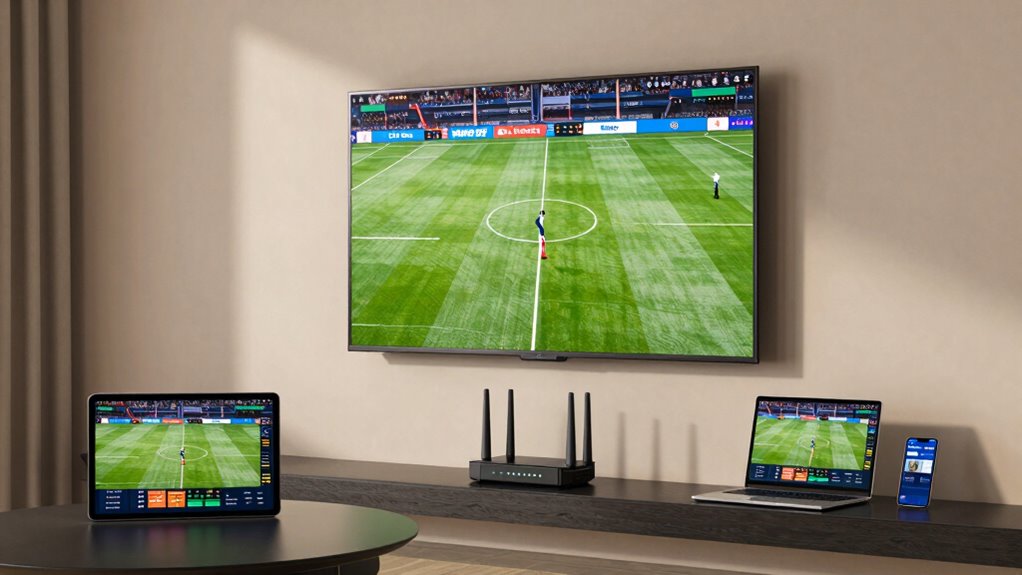
To guarantee smooth streaming on multiple sports devices, aim for at least 25 Mbps per HD stream and over 50 Mbps for multi-screen setups. Run quick speed tests, manage bandwidth by limiting other activities, and use quality routers or extenders to boost coverage. Prioritize streaming devices through your network settings, and keep your equipment updated. For detailed tips on optimizing your internet and fixing issues, keep exploring approaches that make watching your games hassle-free.
Key Takeaways
- Ensure total bandwidth is at least 50-100 Mbps for multiple HD or 4K streams simultaneously.
- Run speed tests to confirm a minimum of 25 Mbps per HD streaming device.
- Use QoS settings to prioritize streaming devices and reduce lag during live sports.
- Upgrade to high-quality routers, cables, and modems for consistent, reliable performance.
- Position your router centrally and minimize interference for optimal Wi-Fi coverage.
How Much Internet Speed Do You Need for Multiple Sports Devices?

How much internet speed do you need to keep multiple sports devices streaming smoothly? To handle several streams simultaneously, you need to account for bandwidth requirements. Generally, streaming sports in HD requires around 5 Mbps per device, but if you want ultra HD or 4K, each device might need 25 Mbps or more. Keep in mind, streaming latency also matters; delays can disrupt live viewing. To avoid buffering and lag, your internet connection should provide enough bandwidth for all devices running at once, plus some overhead for other online activities. Additionally, choosing a high-quality router can help maintain consistent speeds across multiple devices. For a multi-screen sports setup, a reliable connection with at least 50-100 Mbps total bandwidth is recommended. This ensures smooth, high-quality streams and minimal latency, keeping you fully engaged during game time without interruptions. Additionally, considering network optimization techniques can help improve overall streaming performance and stability. Ensuring your network is properly configured can also reduce streaming interruptions and enhance your viewing experience. Implementing proper router placement can further boost signal strength and reduce dead zones, contributing to more consistent streaming quality.
How to Check If Your Internet Is Fast Enough for Sports Streaming

Wondering if your internet connection can handle streaming multiple sports games at once? To check, start with these steps:
Check if your internet can stream multiple sports games smoothly by testing your speed and managing bandwidth.
- Run a speed test to measure your current download speed. Aim for at least 25 Mbps per stream for HD quality.
- Evaluate your bandwidth optimization by ensuring your network isn’t crowded with other devices or downloads during game time.
- Consider signal boosting options, like Wi-Fi extenders or mesh systems, to improve coverage and reduce buffering.
- Keep in mind that your internet speed and network stability are crucial for a seamless sports streaming experience. Additionally, managing family photoshoot fails or unexpected disruptions can help maintain a steady connection during critical moments.
- Incorporating smart home technology solutions, such as network monitoring tools, can help you identify and address connectivity issues proactively. Ensuring your network equipment is up-to-date can also significantly enhance overall performance. Regularly monitoring your network’s performance metrics can help you catch issues before they impact your streaming.
If your speed test results fall short, boosting your signal and managing bandwidth can help. Upgrading your plan or optimizing network usage ensures smooth viewing, even with multiple screens. Staying proactive keeps all your sports streaming seamless and enjoyable.
How to Prioritize Your Network for Seamless Sports Streaming
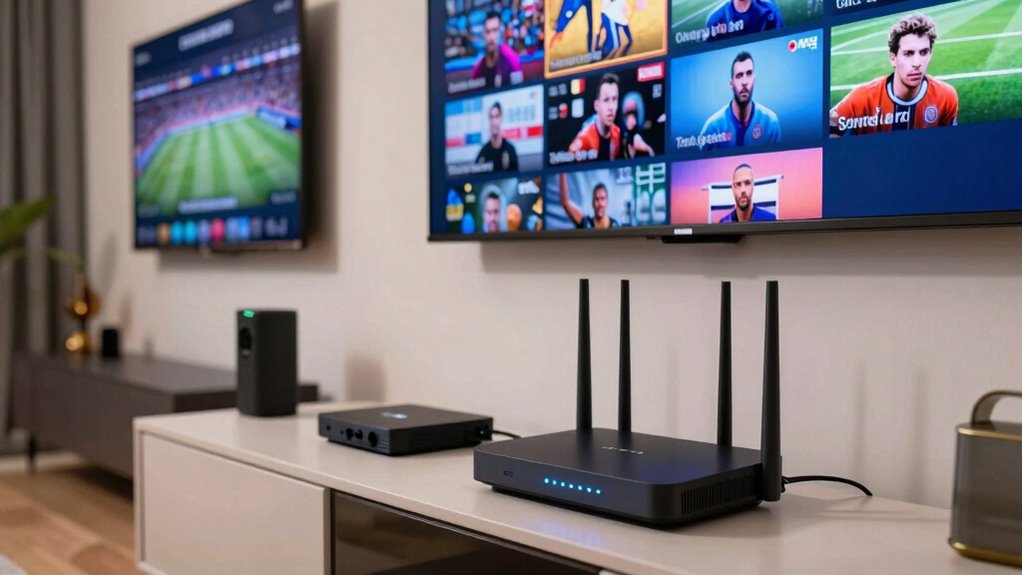
To guarantee your sports streams run smoothly, it’s essential to prioritize your network traffic during game time. Start by implementing bandwidth management to allocate sufficient speed for your streaming devices. This prevents other household activities, like downloads or browsing, from hogging bandwidth. Device prioritization is key—you can set your smart TV, streaming boxes, or laptops to take precedence over less critical devices. Many routers offer Quality of Service (QoS) settings, allowing you to assign higher priority to your sports streaming devices. This ensures that your streams stay uninterrupted, even when multiple devices are active. Additionally, optimizing your network setup by incorporating Free Floating landscaping elements can help reduce interference and improve signal strength across your home. Regularly review and adjust these settings based on your household’s usage patterns to maintain peak performance during big games.
Upgrade Your Equipment for Better Streaming Reliability
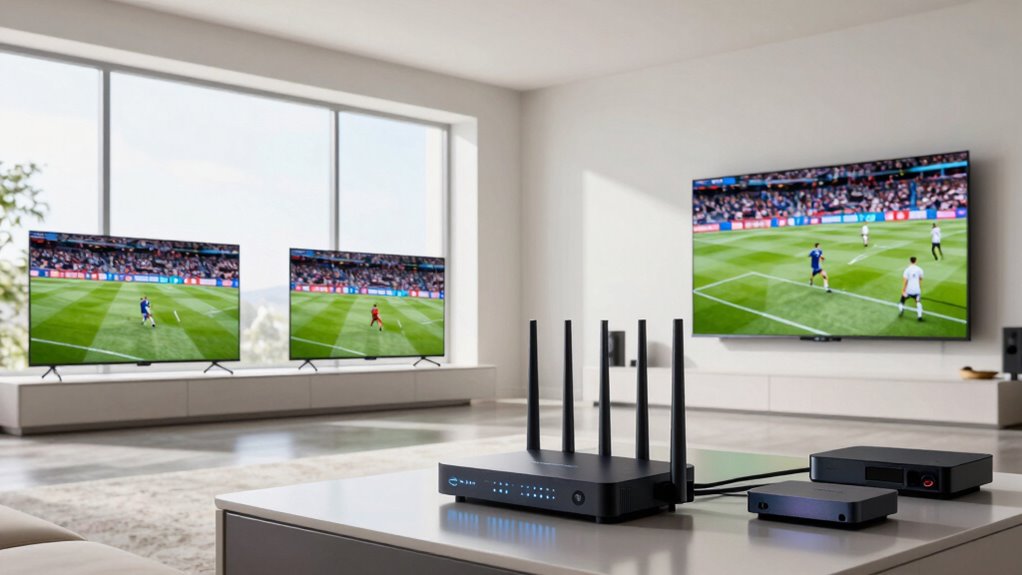
Upgrading your equipment is vital for achieving consistent streaming reliability during big games. To improve your setup, consider investing in a smart router that prioritizes streaming traffic and manages bandwidth effectively. Additionally, signal boosters can extend your Wi-Fi coverage, minimizing dead zones around your home. Here are three key upgrades:
- Smart Router – guarantees your devices get the right bandwidth and prioritizes sports streams for smoother viewing.
- Signal Boosters – amplify your Wi-Fi signal, reducing buffering and lag across multiple screens.
- High-Quality Cables and Modems – upgrade to modern hardware to support higher speeds and more stable connections. Understanding inspiring leadership can help you lead your home setup with confidence and strategic planning, much like managing electric bike performance for optimal results. Regularly updating your hardware also ensures that your network remains resilient against bandwidth limitations and other connectivity issues, especially during peak usage times. Incorporating astrological signs insights can also help tailor your network environment for better overall performance, as cultural beliefs often influence self-image and confidence. Being aware of network congestion patterns can further assist in scheduling activities that demand high bandwidth for the best experience.
Troubleshooting Internet Issues During Live Sports Events
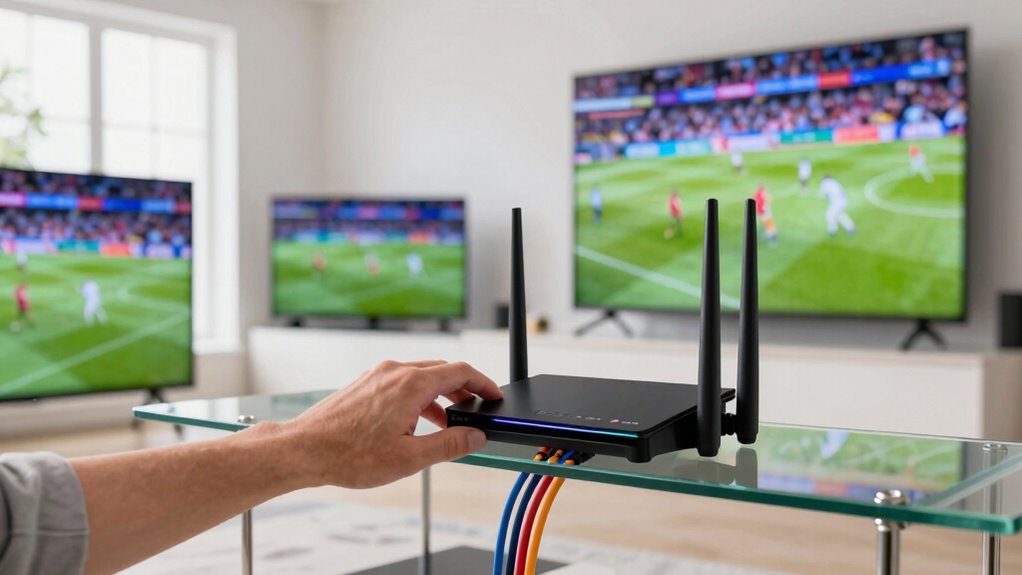
Even with upgraded equipment, live sports streaming can sometimes face hiccups due to network issues or interference. To troubleshoot effectively, start by checking your router placement. Keep it central and elevated to maximize coverage. Avoid placing it near devices that cause signal interference, like microwaves or cordless phones. If issues persist, consider these fixes:
| Problem | Solution |
|---|---|
| Weak signal | Reposition router for better coverage |
| Signal interference | Move devices causing interference away |
| Buffering during streams | Restart router and check for firmware updates |
Additionally, understanding the network environment can help identify sources of interference and optimize your setup. Proper router placement and minimizing signal interference are key. Regularly updating your router’s firmware can also improve stability during live sports events. Using quality networking equipment and configurations can further enhance your streaming experience. For optimal performance, consider using a wired connection when possible to reduce wireless interference and achieve a more stable stream. Properly managing network congestion during peak times can also significantly improve streaming quality. Being aware of potential interference sources in your environment can help you make more informed adjustments.
Frequently Asked Questions
Can a Wi-Fi Extender Improve Sports Streaming Quality?
Yes, a Wi-Fi extender can improve sports streaming quality by boosting your signal to reach devices like smart TVs or smartphones more effectively. This helps reduce buffering and lag during live games. Just make sure your internet plan has enough data caps, as streaming multiple screens can quickly use up your data. With a stronger signal and sufficient data, your sports experience becomes smoother and more enjoyable.
What Is the Ideal Router Placement for Sports Streaming?
You should place your router in a central, elevated spot to optimize signal strength and reduce interference. Avoid placing it near thick walls, metal objects, or electronic devices that can disrupt the signal. Keep it off the floor and away from corners. Proper router optimization involves ensuring unobstructed airflow and minimizing distance to your streaming devices, so you get the best possible connection for smooth sports streaming on multiple screens.
How Does Network Congestion Affect Sports Streaming Performance?
Did you know that network congestion can drop your streaming quality by up to 50%? When many devices compete for bandwidth, it causes network congestion, which leads to issues like bandwidth throttling and packet loss. These problems result in buffering, lower resolution, and interrupted sports streams. To enjoy seamless viewing, make sure your network manages traffic effectively, prioritizes streaming devices, and minimizes congestion during game time.
Are Wired Connections Better Than Wi-Fi for Sports Viewing?
Wired connections are better than Wi-Fi for sports viewing because they avoid wireless interference that can cause lag or buffering. Ethernet cables provide a stable, consistent connection, ensuring high bandwidth and lower latency. Plus, with bandwidth prioritization, you can allocate more speed to your wired devices, preventing network congestion from affecting your sports streams. This setup guarantees a smoother, interruption-free viewing experience across multiple screens.
How Often Should I Upgrade My Internet Plan for Sports?
You should upgrade your internet plan whenever your streaming subscriptions start buffering during vital game moments—like a last-minute touchdown or a buzzer-beater. Bandwidth requirements evolve fast, and if your current plan can’t keep up with multiple screens, it’s time for an upgrade. Don’t wait till your sports marathon turns into a pixelated nightmare; stay ahead and enjoy every play in crisp, uninterrupted glory.
Conclusion
Think of your internet as the foundation of your sports palace—strong, steady, and reliable. When you guarantee your connection is up to the task, every game comes through crystal clear, and frustration stays at bay. Just like a well-built home withstands storms, a solid network keeps your sports experience smooth, no matter how many devices cheer on your team. Strengthen your foundation today, and enjoy the game without missing a beat.