
When audio latency happens during a sports broadcast, you’ll notice sound lagging behind the on-screen action. This mismatch makes it feel like the crowd noise, commentary, or game sounds are out of sync with what you’re seeing, which can be confusing and disorienting. Fast-paced moments become harder to follow, and the overall experience feels disconnected. If you want to understand what causes these issues and how to fix them, there’s more to uncover.
Key Takeaways
- Audio latency causes crowd noise and commentary to be out of sync with on-screen action, creating a disjointed viewing experience.
- Delays make it difficult to accurately anticipate fast-paced game moments, confusing viewers.
- Mismatch between sound and visuals reduces immersion and diminishes excitement during live sports.
- Buffering and device processing delays exacerbate audio sync issues, making the broadcast feel unnatural.
- Poor synchronization turns live events into surreal or re-play-like experiences, impairing viewer engagement.
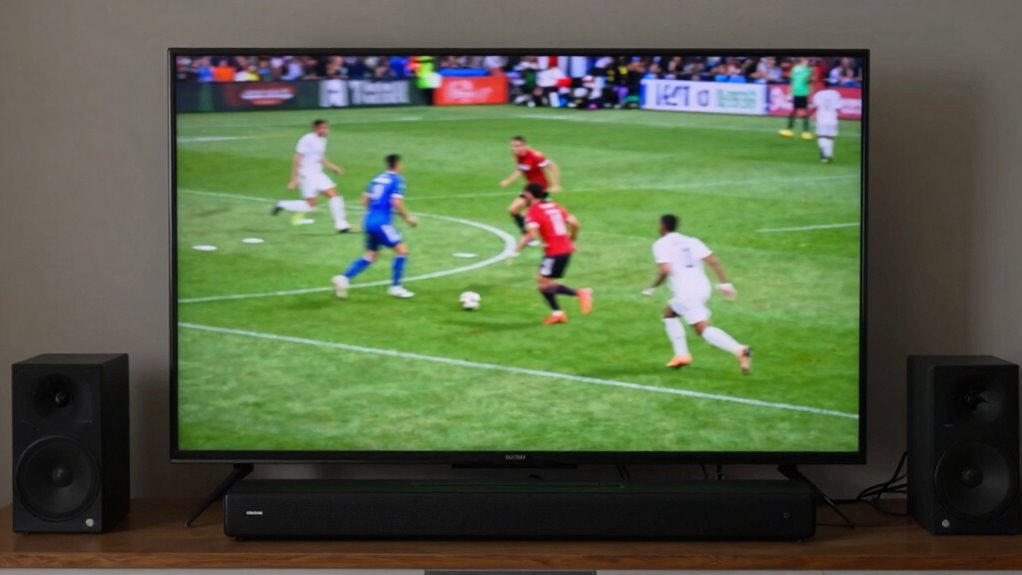
When watching live sports, audio latency can greatly impact your viewing experience, making it feel like the sound is out of sync with the action on screen. This issue, known as audio synchronization, is a common frustration for viewers who rely on live streams or digital broadcasts. When the audio doesn’t match the visual cues, it creates a disorienting effect that pulls you out of the moment, no matter how exciting the game might be. One of the main culprits behind this problem is commentary delay—the lag between the live broadcast of the game and the commentary or commentary audio you hear. This delay can be due to various factors, including transmission speed, processing time, or the way your device handles audio and video signals.
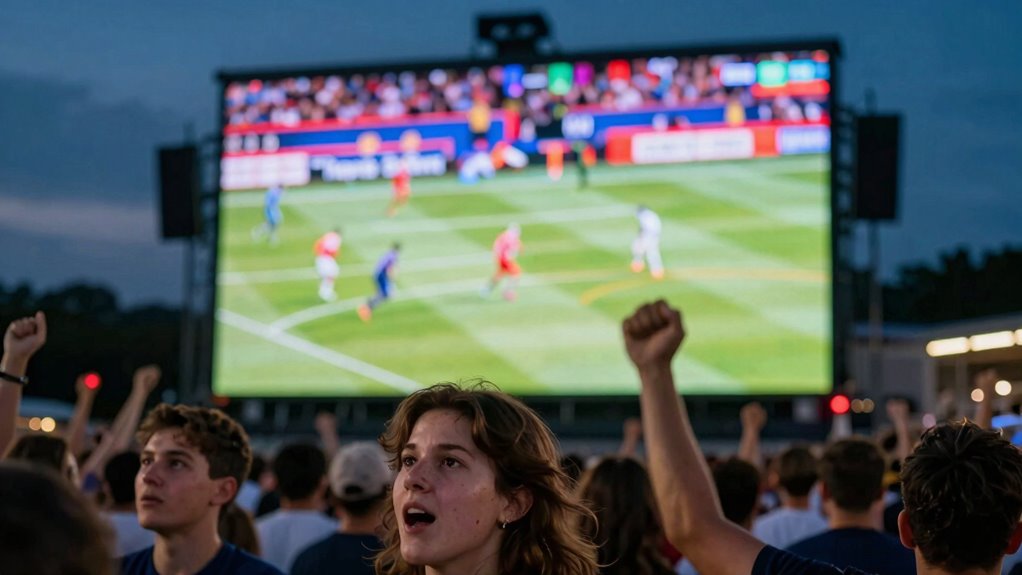
As you watch a game, your brain naturally expects the sounds—like the roar of the crowd, the referee’s whistle, or the commentator’s play-by-play—to match what’s happening on the screen. When there’s a mismatch, it’s unsettling. You might see a player make a move, but the commentary or crowd noise comes a second later. That delay interrupts your immersion and creates a weird, almost surreal experience. It’s especially noticeable during fast-paced moments, where split-second timing is crucial to understanding what’s happening. If the commentary delay is significant, it can make you feel disconnected from the live action, as if you’re watching a replay rather than a live event.
This problem is compounded by the fact that different streaming platforms and devices handle audio and video differently. Some platforms prioritize video quality over audio sync, leading to a noticeable lag in commentary or crowd sounds. Others might have buffering issues that delay the entire stream, further skewing the synchronization. When this happens, it becomes difficult to enjoy the game naturally because your perception of the event is skewed. You might find yourself trying to anticipate what’s happening on the field, only to be thrown off by the delayed audio cues. This can cause confusion, especially when listening to commentary that’s supposed to enhance your understanding of the game but instead feels disconnected. Additionally, the hardware limitations of your device can also contribute to increased latency, further disrupting the experience. Recognizing the factors affecting audio latency can help you better troubleshoot and improve your viewing setup.
Understanding the impact of audio delay on viewer engagement highlights the importance of addressing these issues to preserve the excitement and authenticity of live sports. Ultimately, audio latency and commentary delay turn a thrilling, immersive experience into a bizarre disconnect. You want to feel like you’re right there in the stadium or on the sidelines, but these delays make it feel like you’re watching through a fog of lag. To improve your viewing experience, you need to address these synchronization issues, whether by adjusting your device settings, choosing better streaming services, or investing in equipment designed to minimize latency. Some advanced streaming technology can help reduce delays and improve synchronization, providing a more seamless experience. Being aware of audio synchronization issues allows you to better identify and troubleshoot potential problems before they ruin your enjoyment. Only then can you truly enjoy the game without the weird, off-kilter audio that ruins the excitement.

Walrus Audio Fundamental Series Delay
- Control Parameters: Time, Feedback, Mix
- Available Modes: Digital, Analog, Reverse
- Delay Divisions: Quarter, Dotted 8th, 8th
As an affiliate, we earn on qualifying purchases.
As an affiliate, we earn on qualifying purchases.
Frequently Asked Questions
How Does Audio Latency Differ Across Various Streaming Platforms?
You’ll notice that audio latency varies across streaming platforms because of differences in audio compression and streaming protocols. Some platforms prioritize low latency for real-time sports, while others compress audio more to save bandwidth, increasing delay. Streaming protocols like RTMP or HLS influence how quickly audio reaches your device. This variability can cause audio to lag behind video, creating a weird viewing experience, especially during fast-paced sports events.
Can Audio Latency Be Completely Eliminated During Live Sports Broadcasts?
Audio latency can’t be completely eliminated during live sports broadcasts, but broadcasters work hard to minimize it for better audio synchronization. Reducing latency improves viewer engagement by creating a more seamless experience, making it feel like you’re right there in the stadium. Advanced technology and faster data transmission help close the gap, but some small delay is inevitable. Still, ongoing improvements aim to make audio as synchronized as possible for an immersive viewing experience.
What Equipment Best Reduces Audio Delay in Home Viewing Setups?
Just like Da Vinci fine-tuned his masterpieces, you should calibrate your soundbar to reduce audio delay. Wireless headphones often offer low-latency modes, making them ideal for sports. Combining these with proper soundbar calibration ensures synchronized audio and video, creating a seamless experience. Investing in high-quality equipment with low-latency technology and adjusting settings precisely will help you enjoy live sports without the weird delay.
How Does Audio Latency Affect Viewers With Hearing Impairments?
Audio latency can considerably impact viewers with hearing impairments by causing delays that disrupt hearing aid synchronization and sign language interpretation. You might find it frustrating when sound doesn’t match the visuals, making it harder to follow the game. To improve your experience, make sure your devices are properly synchronized, and consider using systems designed to minimize latency, so you can enjoy the game more seamlessly and stay engaged with real-time action.
Are There Any Future Technologies Expected to Fix Audio Synchronization Issues?
Future technologies like improved wireless earbuds and advanced soundbar integration are expected to fix audio synchronization issues. Wireless earbuds will likely feature lower latency with better processing power, ensuring sound stays in sync with visuals. Soundbars will incorporate real-time audio processing and adaptive synchronization algorithms, reducing lag. These innovations will enhance your sports viewing experience, making audio more natural and immersive, whether you’re watching on a big screen or through personal devices.
Conclusion
So, next time you’re watching a game, remember that audio latency can distort your experience, making it feel off or disconnected. Did you know that audio delays as small as 40 milliseconds can cause noticeable lag, disrupting your perception of real-time action? By understanding this tech glitch, you can better appreciate the efforts to improve live broadcasts. Stay tuned for advancements, and enjoy your sports without the weird disconnect—your viewing experience deserves it.