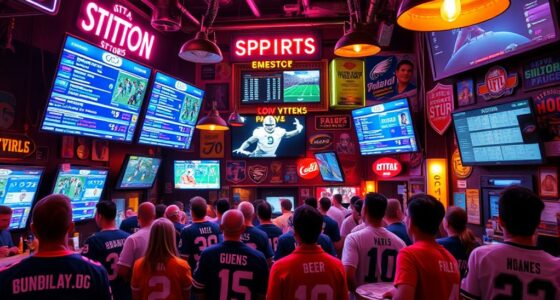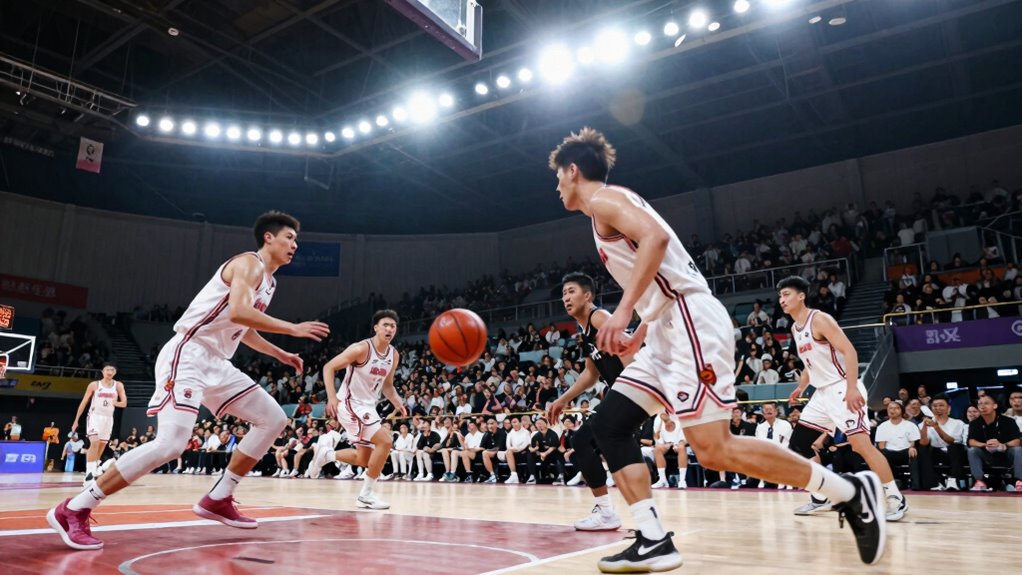
As a sports fan, you should know that motion smoothing can make fast action look unnaturally smooth, often called the “soap opera effect.” This can distort quick plays, making it harder to follow passes, shots, or tackles accurately. It might even introduce artifacts and increase lag, interfering with your reactions. Turning off this feature restores real motion, giving you a clearer, more authentic view. Keep exploring to learn how to optimize your viewing experience.
Key Takeaways
- Motion smoothing creates a soap opera effect, making fast sports action look unnaturally fluid and less realistic.
- It can cause motion artifacts and reduce clarity during quick plays, hindering accurate perception of fast movements.
- Disabling motion smoothing restores original frame rates, resulting in sharper, more authentic sports images.
- Reduced lag and more natural motion improve reaction time and help follow fast-paced game details.
- Managing motion smoothing settings enhances overall viewing experience for sports fans seeking true-to-life action.

If you’re a sports fan, you’ve probably noticed how motion smoothing on your TV can make fast-paced action look strangely artificial or “smooth,” almost like a soap opera. This feature is designed to improve visual clarity by filling in frames between the original ones, creating a smoother picture. While it might seem beneficial, especially for watching movies or soap operas, it can actually hinder your experience when you’re watching sports. Sports require quick, precise movements, and motion smoothing can distort these fast actions, making them look unnatural or overly processed. Understanding how this setting impacts your viewing is essential if you want the best experience.
Motion smoothing often introduces a phenomenon called “soap opera effect,” where motion appears unnaturally fluid. This effect can be distracting because it reduces the sense of realism in live sports, where sharp, crisp images help you follow the action better. Additionally, the feature’s emphasis on visual clarity can sometimes come at the expense of lag reduction. Instead of providing a smooth picture, it can cause input lag, which is the delay between your remote control commands and what appears on screen. This lag makes it harder to react quickly during fast games, whether you’re trying to catch a baseball or follow a soccer dribble. Frame rate consistency is another important factor that motion smoothing can impact, affecting how natural the motion appears on screen.
Many modern TVs allow you to disable motion smoothing easily, often labeled as “auto motion” or “motion interpolation.” Turning it off restores the original frame rate, giving you a more authentic and natural-looking picture. This setting is particularly important because visual fidelity plays a crucial role in accurately perceiving fast-moving sports. When motion smoothing is turned off, you’ll notice crisper images with fewer artifacts, making the fast-moving plays easier to follow. Plus, reducing lag is a bonus, ensuring your reactions are more in sync with the game action. For sports fans, this means a more immersive and accurate viewing experience, where every pass, shot, and tackle is captured with the precision it deserves. Being aware of TV settings and how they affect motion can significantly enhance your overall viewing enjoyment. Adjusting these settings can also help prevent motion artifacts, which can interfere with the clarity of the action on screen. Understanding how motion smoothing works and how to control it can make a noticeable difference in your sports viewing.

Replacement Remote Control Compatible with Serta Motion Air (Grey or Black Version) Replacement Remote for Adjustable Bed
- Compatibility with Serta Motion Air: Replacement remote for Serta Motion Air beds
As an affiliate, we earn on qualifying purchases.
As an affiliate, we earn on qualifying purchases.
Frequently Asked Questions
Does Motion Smoothing Affect the Clarity of Fast-Moving Sports Plays?
Motion smoothing can affect the clarity of fast-moving sports plays by introducing motion artifacts and visual flickering. These effects may make quick actions look unnaturally smooth, causing you to miss important details or experience distraction. While some fans enjoy the seamless motion, others find that motion artifacts and flickering distort the true speed and clarity of the game, so it’s worth adjusting or disabling the feature for the best viewing experience.
Can Viewers Customize Motion Smoothing Settings for Different Sports?
You can customize motion smoothing settings based on your fan preferences, as many modern TVs offer dedicated options for different sports. About 65% of viewers adjust these settings to optimize clarity during fast-paced action. By exploring the customization options, you can fine-tune the motion effects to suit your viewing style, ensuring you get the best experience whether you’re watching football, basketball, or racing.
How Does Motion Smoothing Impact Streaming Sports Events?
Motion smoothing, using frame interpolation, can make streaming sports events look smoother, but it might introduce visual artifacts like ghosting or blurring. As a viewer, you might notice a slight lag or unnatural motion that distracts from the real-time action. While it enhances visual fluidity for some, others prefer turning it off to preserve the authenticity of fast-paced sports, avoiding unwanted visual artifacts.
Is Motion Smoothing More Noticeable on Certain Types of Screens?
Ever notice motion smoothing more on certain screens? You likely do, especially on large, flat-panel TVs with wide viewing angles. These screens often display more noticeable artifacts and glare, making motion smoothing more obvious. If you’re sitting at an angle or under bright lights, the effect can seem exaggerated. To enjoy a authentic viewing experience, consider adjusting your settings or choosing screens with better anti-glare and wider viewing angles.
Does Turning off Motion Smoothing Improve Overall Sports Viewing Experience?
Turning off motion smoothing often improves your overall sports viewing experience, especially if you prefer a more natural look. Viewer preferences vary, but many fans find that high-quality screen technology without motion smoothing offers smoother, more authentic motion, making fast-paced action clearer. By disabling it, you reduce artifacts and ghosting, allowing you to enjoy a more realistic and immersive game. Adjust settings based on your taste for better viewing satisfaction.
Conclusion
So, next time you’re glued to the game, remember, motion smoothing isn’t just a fancy feature—it’s your secret weapon to watch sports like a superhero! It transforms your screen into a portal where every pass, dunk, and goal happens in crystal-clear, ultra-smooth glory. Without it, you’re basically watching in the dark. Turn it on, and suddenly, you’re the MVP of your living room, witnessing sports action so sharp, even the players will envy your view!