To organize virtual meetups and watch parties, pick a platform your audience prefers and verify it has interactive features like polls or chat. Test your internet, camera, and audio equipment beforehand for smooth streaming. Prepare all media files and have backup plans ready in case technical issues arise. Encourage participation with engaging activities, monitor chat for questions, and stay flexible to troubleshoot problems quickly. Keep these tips in mind for a successful event that keeps everyone connected—more details await you.
Key Takeaways
- Choose engaging platforms that support interactive features like chat, polls, and breakout rooms to foster community connection.
- Test all technical equipment and streaming services beforehand to ensure smooth audio, video, and media playback.
- Prepare clear access instructions and backup plans to address potential technical issues during the event.
- Monitor engagement and technical aspects throughout to troubleshoot problems promptly and maintain event flow.
- Incorporate interactive activities to boost participation and create a memorable, enjoyable virtual experience.
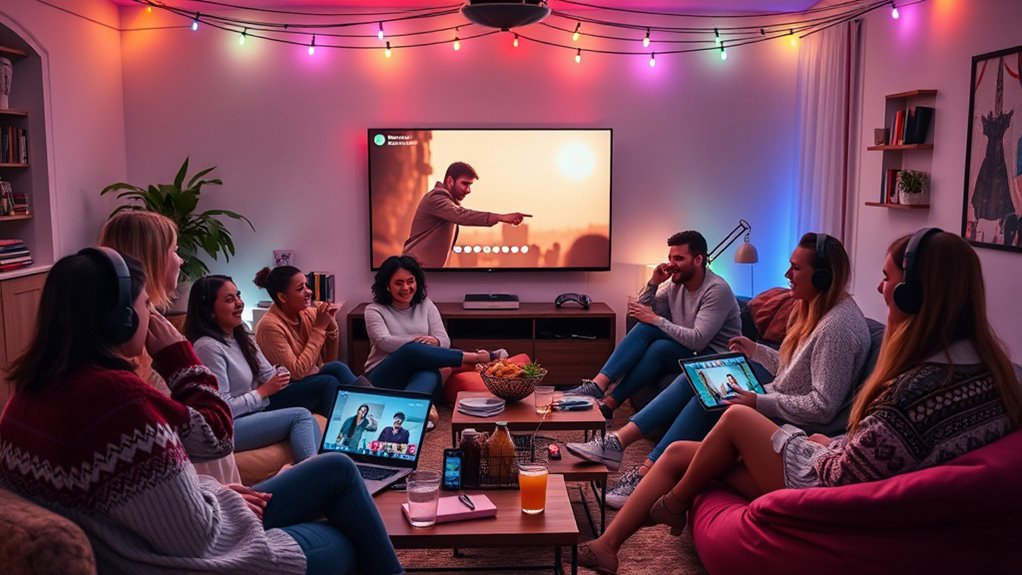
Have you ever wanted to connect with friends or colleagues while enjoying a shared experience from afar? Virtual meetups and watch parties make that possible, but organizing them requires some thoughtful planning. Your first step is to focus on digital engagement. You want everyone to feel involved, so choose a platform that encourages interaction—whether it’s through live chat, polls, or breakout rooms. The goal is to foster a sense of community, even when miles apart. Before diving into the technical details, consider your audience’s preferences. Do they prefer Zoom, Microsoft Teams, or perhaps a social media platform like Facebook or Discord? Knowing your attendees’ tech comfort level helps in selecting the right tool. Once you’ve picked a platform, move on to the technical setup. This involves testing your equipment—check your internet connection, webcam, microphone, and audio settings. Clear audio and video quality are essential for a seamless experience. If you’re hosting a watch party, verify your streaming service is reliable and compatible with your chosen platform. Share clear instructions with your guests ahead of time, including how to access the event, any passwords needed, and tips for troubleshooting common issues. Setting up a dedicated space for your virtual event can also improve the experience. Use good lighting and a quiet environment to avoid distractions. If you’re sharing a screen or playing a video, confirm that your presentation or media runs smoothly without lag. Additionally, understanding the importance of reliable streaming services can significantly enhance your event quality. During the event, keep an eye on the technical details—monitor the chat for questions or issues, and be ready to troubleshoot quickly if problems arise. It’s helpful to have a backup plan, like an alternative streaming link or a secondary device, in case of technical failure. Engaging your audience is just as important as the tech itself. Encourage participation through interactive elements—ask questions, run quick polls, or invite comments. This keeps everyone involved and prevents the event from feeling one-sided. As the organizer, your role is to create a smooth, enjoyable experience, which means prioritizing both the technical setup and the social aspect of digital engagement. With proper planning and attention to detail, your virtual meetup or watch party will not only be fun but also memorable. By understanding the significance of choosing the right platform, preparing your equipment, and fostering active engagement, you can connect people in a meaningful way regardless of physical distance.
Frequently Asked Questions
How Do I Troubleshoot Technical Issues During a Virtual Meetup?
When troubleshooting technical issues during a virtual meetup, start by checking your internet connection to prevent audio lag and screen sharing problems. If you experience audio lag, try restarting your device or switching to a wired connection. For screen sharing issues, make sure you have the necessary permissions and that your software is updated. Encourage participants to mute when not speaking and use chat for questions to minimize disruptions.
What Platforms Are Best for Hosting Large Online Watch Parties?
If you’re worried about hosting large online watch parties, choose platforms like Twitch, YouTube, or Discord for their robust capacity and audience engagement features. A platform comparison shows Twitch excels with live chat and streaming stability, while YouTube offers easy access and broad reach. Discord is great for smaller, interactive groups. Picking the right platform depends on your audience size and desired interaction level, ensuring a smooth, engaging experience.
How Can I Ensure Inclusive Participation in Virtual Events?
To guarantee inclusive participation, you should prioritize accessibility features like captioning and screen reader compatibility, making sure everyone can engage comfortably. Also, promote cultural inclusivity by respecting diverse backgrounds, using inclusive language, and choosing content that reflects different perspectives. Encourage open dialogue, seek feedback from participants, and adapt your event to meet diverse needs. This approach helps create a welcoming environment where all attendees feel valued and involved.
What Are Some Creative Themes for Virtual Watch Parties?
Imagine you’re in a time machine, and for your virtual watch party, choose a theme like “Hollywood Glam” or “Retro 80s.” Encourage guests to wear themed costumes and keep the fun going with interactive quizzes related to the theme. You can also add themed backgrounds and music to boost engagement. These creative ideas foster a lively atmosphere and make your virtual event memorable for everyone involved.
How Do I Manage Time Zones for International Participants?
To manage time zones for international participants, you should prioritize time zone coordination and international scheduling. Use tools like World Time Buddy or Google Calendar to identify overlapping hours that work for everyone. Communicate clearly with your group about the scheduled time, and consider recording the event for those who can’t attend live. Flexibility and proactive communication are key to ensuring all participants can join comfortably.
Conclusion
Organizing virtual meetups and watch parties is like hosting a lively gathering from your living room. With a little planning and enthusiasm, you can create memorable moments that bring people together, no matter the distance. Just like a good party, it’s about connection, fun, and shared experiences. So go ahead, plan your next virtual get-together, and watch how your friends light up with excitement—because the best moments happen when everyone’s in it together.