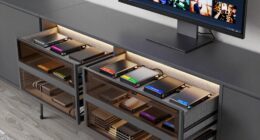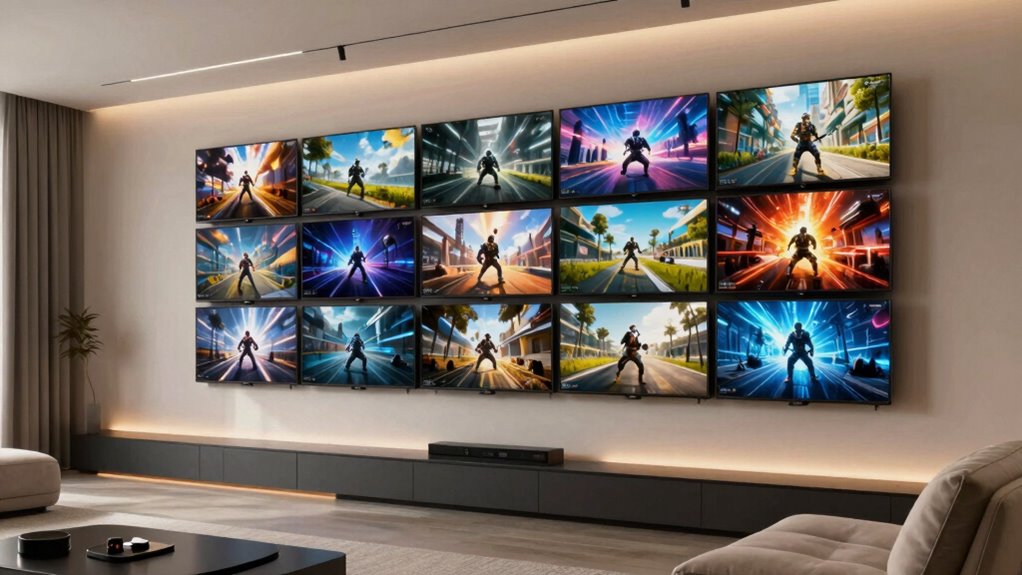

To build a multigame viewing wall, start by choosing a sturdy wall and plan your layout carefully, ensuring screens are aligned and securely mounted. Add soundproofing like acoustic panels to boost immersion, and install adjustable lighting to set the right ambiance. Keep cables organized using conduit or ties, and use surge protectors for safety. Incorporate a control system for easy switching between games and media. Keep exploring for more detailed tips to perfect your setup.
Key Takeaways
- Plan and measure the wall layout carefully to accommodate multiple screens with seamless alignment for immersive viewing.
- Mount monitors securely using strong brackets, ensuring precise positioning for a uniform multi-screen setup.
- Implement soundproofing techniques like acoustic panels and bass traps to enhance audio clarity and minimize noise disturbance.
- Manage cables neatly with conduits, ties, and surge protectors to ensure safety and easy maintenance.
- Incorporate adjustable lighting and control systems for optimal ambiance and effortless switching between gaming and streaming.
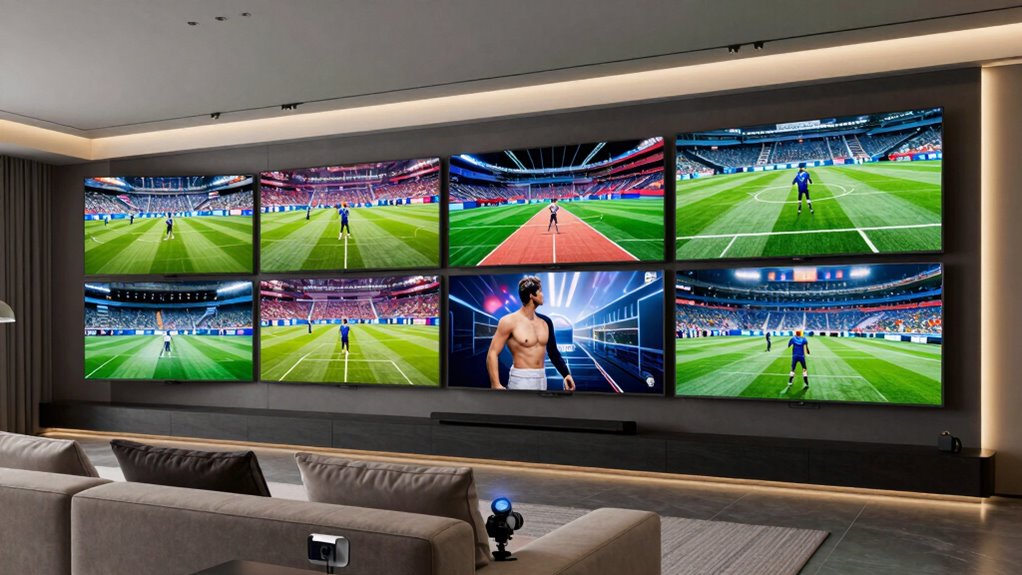
Building a multigame viewing wall transforms your space into the ultimate gaming hub, allowing you to watch multiple screens simultaneously and switch seamlessly between games or streams. To make this setup effective, you need careful planning on both hardware and environment. Start by choosing the right wall space—preferably a sturdy, unobstructed wall that can support several screens. Mounting multiple monitors or TVs requires strong brackets and precise alignment, so measure carefully and plan your layout before drilling any holes.
Soundproofing options are essential if you want to keep your gaming sessions from disturbing others or vice versa. Installing acoustic panels, foam tiles, or soundproof curtains can markedly reduce noise transfer, creating a more immersive experience while maintaining a peaceful environment outside your gaming zone. Consider adding a bass trap if you plan to use speakers or a soundbar, as low-frequency sounds tend to travel more. Proper soundproofing not only enhances your gaming experience but also keeps the room comfortable for others in your household. Additionally, soundproofing techniques can be tailored to fit different room sizes and budgets, ensuring optimal sound management. Incorporating soundproofing materials can further improve the effectiveness of your setup.
Lighting considerations are equally important. You want your screens to be clearly visible without glare or reflections that strain your eyes. Use adjustable LED lighting that can be dimmed or brightened according to your needs. Installing bias lighting behind the screens reduces eye fatigue and enhances contrast, making long gaming sessions more comfortable. Avoid harsh overhead lights, which can cause glare, and instead opt for indirect lighting options like floor lamps with dimmable bulbs or wall-mounted sconces. If you have windows nearby, add blackout curtains or blinds to control natural light and prevent reflections on your screens. Proper lighting setup can significantly improve your viewing comfort and overall ambiance.
Next, think about cable management. Running cables neatly behind the wall or through conduit keeps your setup tidy and safe. Use cable ties, clips, or sleeves to bundle wires together, preventing tripping hazards or accidental disconnections. For power, consider installing a surge protector or power strip with enough outlets for all your devices, ensuring your setup remains protected from power surges. Proper cable management not only enhances the aesthetic but also reduces the risk of hardware damage or connectivity issues. Additionally, implementing cable management solutions can streamline your setup and make future adjustments easier.
Finally, invest in a good control system—whether it’s a universal remote, a tablet, or a dedicated control panel—that allows you to switch between screens, adjust volume, and manage lighting with ease. The goal is a seamless experience where switching from one game or stream to another feels effortless. When you combine sturdy hardware, effective soundproofing, thoughtful lighting, and smart cable management, your multigame viewing wall becomes a true centerpiece for your gaming space—functional, immersive, and tailored to your needs. Additionally, selecting appropriate display options can significantly enhance your overall viewing experience.

X-ROB Triple Monitor Wall Mount – Premium Aluminum 3 Arm Bracket for 15–32 Inch Screens, Dual Wall Anchors for Maximum Stability, Full Motion with 360° Rotation, VESA 75×75/100×100, Cable Management
- Superior Stability: Supports 3 monitors up to 17.6 lbs each
- Wide Compatibility: Fits VESA 75x75mm and 100x100mm
- Full Motion Adjustment: 360° rotation, tilt, swivel, portrait/landscape
As an affiliate, we earn on qualifying purchases.
As an affiliate, we earn on qualifying purchases.
Frequently Asked Questions
What Is the Ideal Size for a Multigame Viewing Wall?
The ideal size for your multigame viewing wall depends on your space and viewing distance, but generally, a 120- to 150-inch setup works well. Make certain color calibration is consistent across screens for a seamless experience. Also, consider power management to prevent overload and overheating. A well-sized wall with balanced calibration and effective power management offers immersive gaming without strain or technical issues.
How Do I Ensure Even Sound Distribution Across the Wall?
Ever dreamed of a symphony of chaos? To guarantee even sound distribution, start with precise sound calibration—adjust your system for balanced audio. Focus on strategic speaker placement: position speakers at ear level and symmetrically around the wall. Use sound diffusers or acoustic panels to prevent dead spots. Regularly test with a sound level meter, and tweak settings until every corner delivers crystal-clear audio, making your wall an audiophile’s paradise.
What Are the Best Mounting Options for Different Wall Types?
For different wall types, choose the right mounting hardware based on your wall material. For drywall, use toggle bolts or anchors that distribute weight evenly. If you have concrete or brick walls, opt for masonry anchors and heavy-duty bolts. Wooden studs require sturdy lag bolts or screws directly into the studs. Always verify the weight capacity of your mounting hardware to guarantee your screens stay secure and safe.
How Do I Manage Cable Organization and Concealment?
To tame tangled cables, try clever cable routing by running wires through cable raceways or behind panels. Use concealment techniques like cable covers or wall panels to hide cords from view. Label each cable for easy identification, and bundle them neatly with zip ties or Velcro straps. This approach keeps your multigame wall tidy, safe, and visually appealing, ensuring an immersive experience without cable clutter chaos.
What Maintenance Is Required for Long-Term Durability?
To guarantee long-term durability, you should regularly inspect your viewing wall for wear and tear, especially around cables and power sources. Keep the design aesthetics clean by dusting and cleaning screens and frames. Manage power efficiently by unplugging unused devices and using surge protectors. Also, check connections and replace any damaged cables promptly. Consistent maintenance preserves the look, function, and safety of your multigame viewing wall.
Conclusion
Now that you’ve built your multigame viewing wall, you’re ready to host epic gaming marathons that even the ancient Romans would envy—imagine Nero’s palace filled with screens instead of frescoes! Remember, the key is seamless setup and flexibility, so you can switch games faster than a flash. With your modern tech fortress, you’ll create a gaming haven that’s as legendary as the Jedi Council. Happy gaming, and may the pixels be ever in your favor!