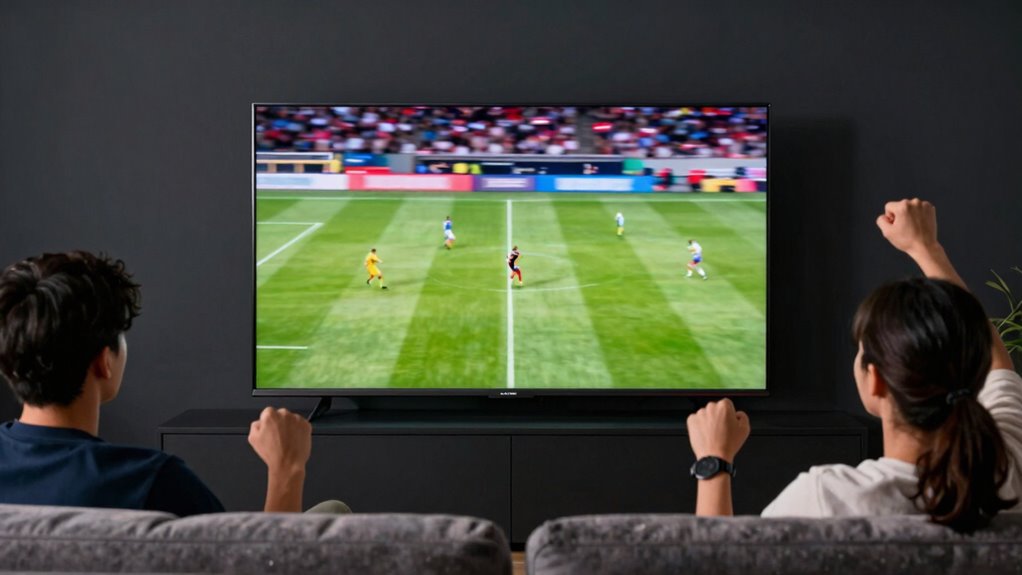

Many sports fans believe that a higher refresh rate automatically means better picture quality, but that’s not true. While high refresh rates (like 120Hz or 240Hz) can make fast action smoother, they don’t guarantee less motion blur or a more natural look. Features like motion smoothing are often enabled by default and can make motion appear artificial. To truly improve your viewing, it’s important to understand these settings—if you want to catch the full story, keep exploring.
Key Takeaways
- Higher refresh rates (120Hz, 240Hz) do not automatically improve motion clarity without proper settings adjustments.
- Many believe high refresh rates eliminate motion blur, but this is often false due to motion smoothing features.
- Turning on motion smoothing can create a surreal, “soap-opera” effect that distorts real-time sports action.
- Default TV settings often enable motion-enhancing features, misleading viewers about true picture quality.
- Disabling unnecessary processing preserves authentic motion, providing a more natural and enjoyable sports viewing experience.
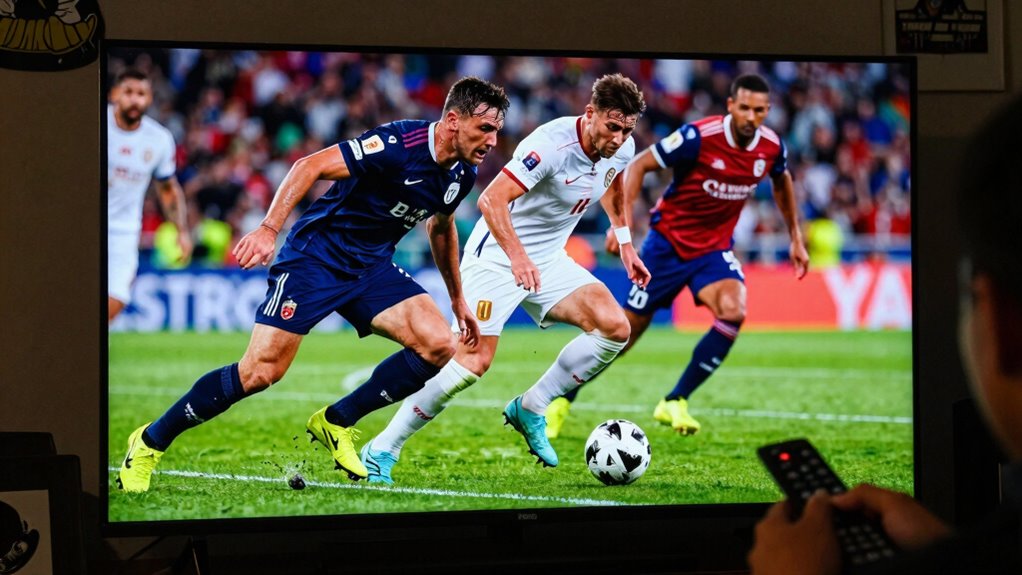
Many sports fans still believe that a higher TV refresh rate automatically means a better viewing experience, but this isn’t always the case. While it’s true that a higher refresh rate, like 120Hz or 240Hz, can make fast-moving action appear smoother, it doesn’t automatically guarantee improved picture quality. In fact, some advanced features like motion smoothing and frame interpolation can sometimes work against your viewing enjoyment. These technologies are designed to create extra frames between the original ones, aiming to reduce motion blur and make fast-paced sports look crisper. However, many viewers find that these features introduce unwanted artifacts, such as a soap-opera effect, which makes the footage look unnaturally smooth and less authentic.
Higher refresh rates can improve smoothness but may be hindered by motion smoothing, which can distort the true motion of sports.
When you turn on motion smoothing or frame interpolation, your TV generates new frames based on the existing ones. This process can make quick movements seem more fluid, but it often results in a strange, hyper-real look that distracts rather than enhances. For sports fans, this can be particularly problematic because it alters the way you perceive the action. Instead of watching a natural, seamless flow of movement, you might see a slightly surreal version that feels disconnected from reality. Some broadcasters and viewers prefer to turn off these features altogether, especially during live sports, to preserve the true look of the game.
You might think that a higher refresh rate automatically means less motion blur, but that’s not entirely accurate. Many TVs with high refresh rates still use motion smoothing and frame interpolation settings to artificially enhance motion clarity. These features are often enabled by default, and if you’re not aware of them, you might be watching with a less-than-ideal picture. Turning off motion smoothing allows the TV to display the original frames without modification, giving you a more natural viewing experience. This is especially important for sports, where real-time action and authenticity matter most. Understanding the refresh rate and how it interacts with other features can help you optimize your setup for the best experience. Additionally, being aware of motion smoothing and its effects can help you avoid common misconceptions about TV performance. Recognizing how image processing technologies influence picture quality can further enhance your viewing choices.
A proper understanding of these features can help you enjoy sports and fast-paced content without unnecessary distractions or distortions.

Roku 65-Inch Smart TV – Pro Series, 4K QLED Mini-LED TV – RokuTV
- Vivid QLED Display: Bright colors and deep blacks with mini-LEDs
- Wall-Mountable Design: Sleek flat wall-mount setup included
- Customizable Digital Gallery: Upload photos or browse art on TV
As an affiliate, we earn on qualifying purchases.
As an affiliate, we earn on qualifying purchases.
Frequently Asked Questions
Does a Higher Refresh Rate Improve Gaming Performance?
A higher refresh rate can improve gaming performance by reducing motion smoothing and screen flickering, making fast-paced scenes appear smoother and clearer. You’ll notice less blur and more fluid motion, especially in fast-moving games. However, it’s important to make sure your gaming console or PC can match the higher refresh rate. Keep in mind, some TVs might introduce input lag, so find a balance that enhances your gaming experience without sacrificing responsiveness.
Can Refresh Rate Affect Motion Blur in Fast-Paced Sports?
Think of your TV as a painter, capturing every swift stroke with precision. A higher refresh rate can reduce motion blur during fast-paced sports, making movements smoother. However, features like motion smoothing and frame interpolation often create a ghosting effect, which can distort fast action. While a high refresh rate helps, these additional technologies sometimes hinder clarity, so choose your settings wisely to enjoy crisp, clear sports viewing.
Is 120HZ Necessary for Watching Live Sports?
You don’t necessarily need a 120Hz refresh rate for watching live sports, but it can improve your experience. Many refresh rate myths suggest higher rates always mean better motion clarity, but that’s not true for everyone. For sports viewing, especially fast-paced games, a higher refresh rate reduces motion blur and makes fast movements smoother. If you’re passionate about sports, investing in a 120Hz TV can make a noticeable difference, but it’s not essential.
Do All TVS Automatically Display at Their Native Refresh Rate?
Think of your TV as a chameleon: it often adjusts its display to match the content, but not always at its native refresh rate. Most TVs automatically display at their native refresh rate, ensuring sharpness and smooth motion, especially when watching sports or fast action. Your screen resolution stays consistent, but the refresh rate adapts to optimize viewing. Check your settings to see if your TV’s adjusting or if you need to set it manually.
How Does Refresh Rate Impact Viewing Angles and Picture Quality?
A higher refresh rate mainly improves motion smoothness, but it doesn’t directly affect viewing angles or picture quality like color accuracy or screen uniformity. You might notice that with certain refresh rates, colors remain vibrant across your screen, and images stay consistent without distortion. However, poor viewing angles or uneven screen uniformity can still diminish picture quality, regardless of the refresh rate. So, focus on those factors for better overall viewing.
Conclusion
Don’t let these myths paint a false picture of what you’re really getting. The truth is, understanding refresh rates can clear up the fog and sharpen your game view. Think of it as tuning a musical instrument—you get a clearer, more accurate sound. So, next time you’re picking a TV, remember these facts. It’s your front-row seat to a game, not a mirage in the desert. Stay savvy, and enjoy the game as it’s meant to be seen.